The better-play notebook
Beginner’s Guide to Browser Gaming: Get More from Free Online Games
Choose a game, learn its controls, understand saves and set up a comfortable browser gaming session.
Browser gaming starts with a link rather than a large installation, but a little preparation still improves the experience. The best first session is one in which you understand what the game expects, can reach the controls comfortably and know what happens to progress when you close the tab. Those basics matter more than finding the most difficult challenge immediately.
Choose a game that fits the time you have
Begin by matching the game's pace to your available attention. An untimed puzzle gives you room to experiment, while a runner or shooter asks you to keep watching the screen. If interruptions are likely, look for a reliable pause control before you start.
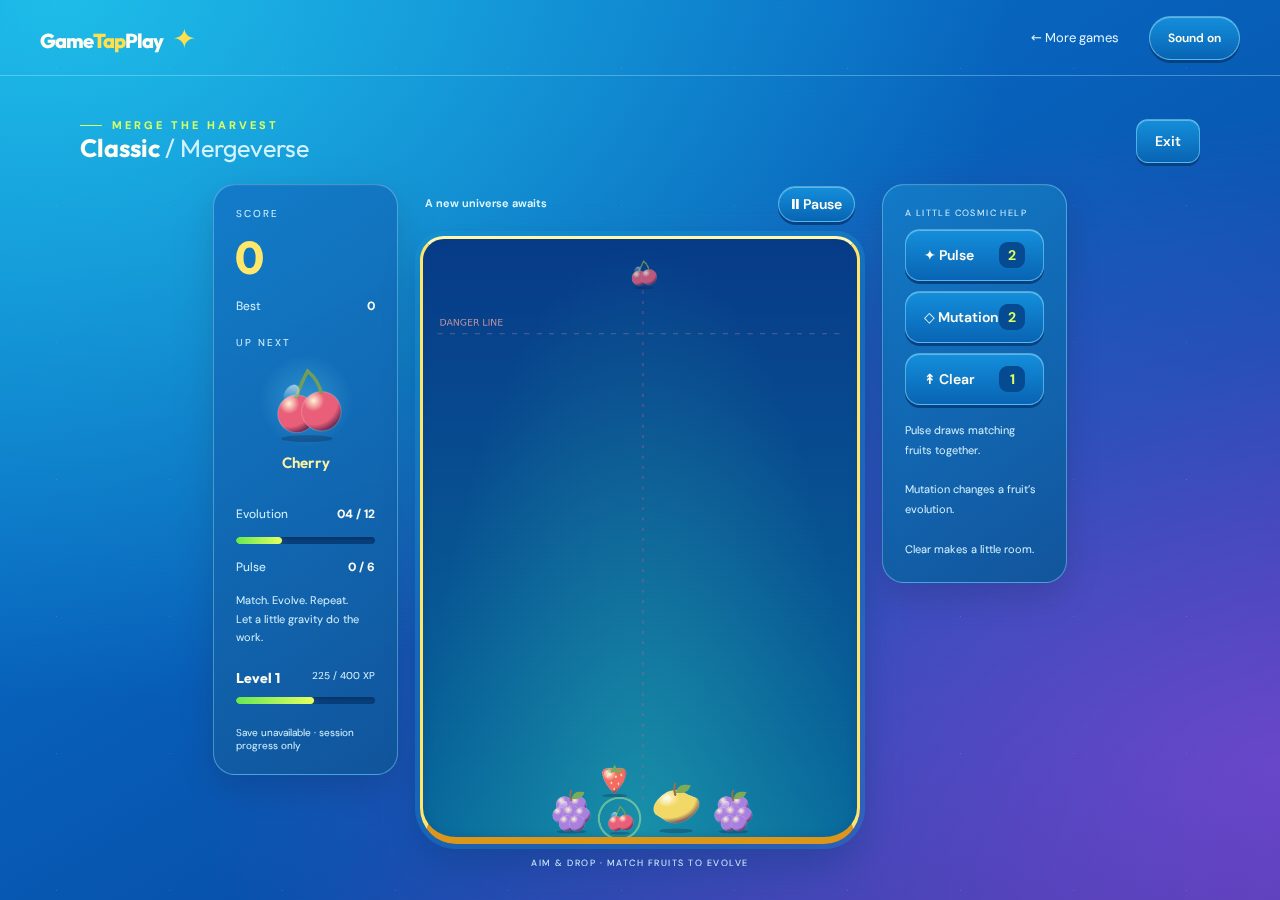
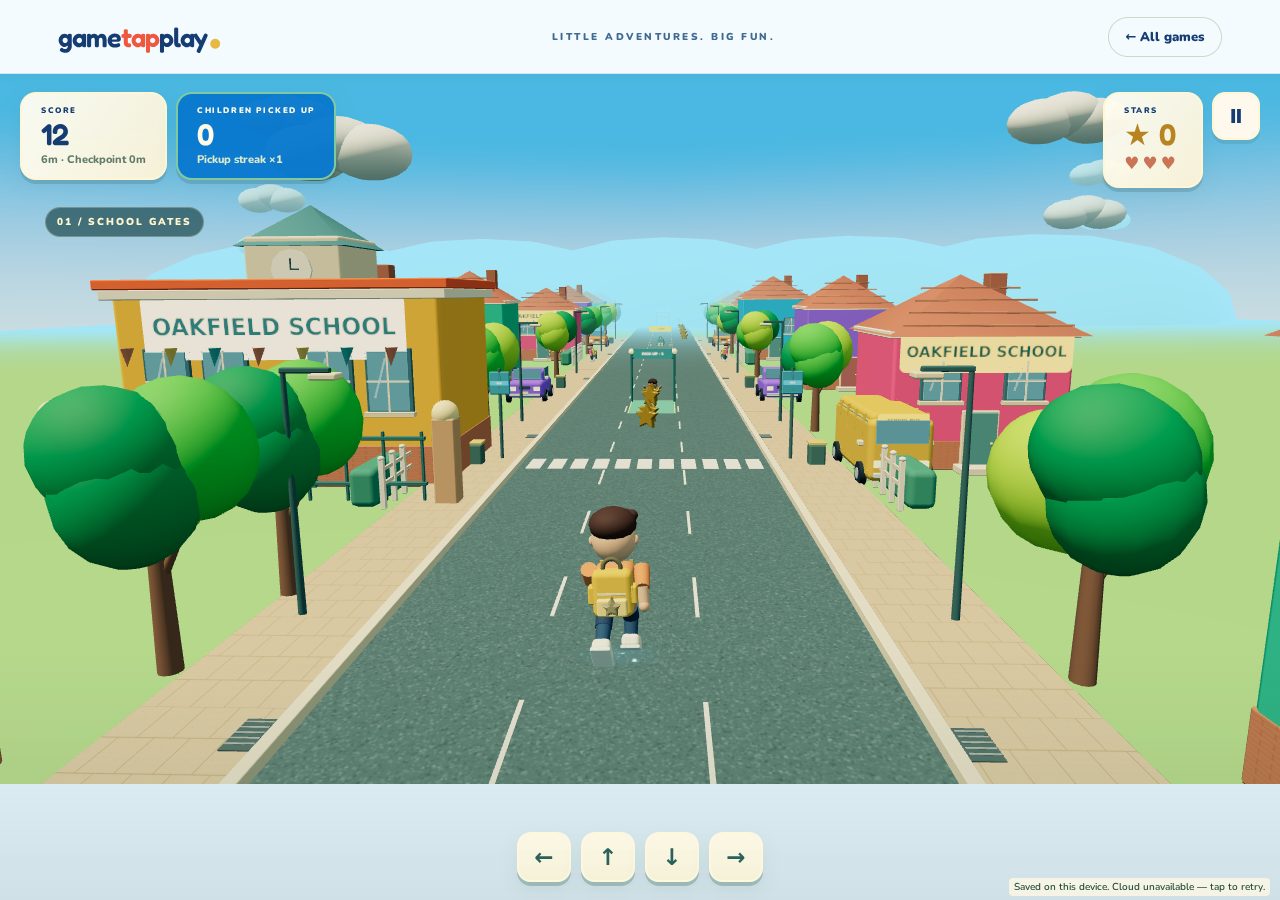
On GameTapPlay, WordQuest's Classic mode has no timer, and Mergeverse's Classic mode lets you think between drops. School Run and X-BIKER keep moving during active play, while Cosmic Strike mixes steering with enemy fire. Hard Target focuses on limited ammunition and moving scoring zones. These are different kinds of concentration, so choose by mood rather than assuming one genre is the correct starting point.
Read the objective before learning every feature
Find the condition that makes a round successful. Are you trying to reach a score, survive longer, solve a word or complete several listed objectives? A game can display many attractive numbers while only one determines whether you advance.
For example, Harvest Journey in Mergeverse may require producing a particular fruit through merging. Filling the container with large fruit is not enough if it misses that target. In Hard Target, cumulative score and the current stage goal are different. Reading those labels first prevents several rounds of practising the wrong thing.
Set up controls before chasing a record
Try each essential action in a low-pressure opening. On desktop, check whether the game uses arrows, WASD, mouse movement or a mixture. On mobile, learn whether touching begins an action or releasing commits it. Mergeverse drops fruit on release, while WordQuest uses discrete keyboard taps.
Keep the pause control within reach. If you are trying full screen, first understand how to exit it on your browser. Adjust sound after interacting with the page; many browsers require a user action before audio starts. Comfortable volume is more useful than maximum volume, especially during a long practice session.
Understand what a browser save means
A saved game does not automatically mean an online account. Some games store progress only in the current browser, while others connect an anonymous browser identifier to a server save. Clearing cookies or site storage can remove either the progress itself or your access to it.
Cosmic Strike keeps progress locally. WordQuest, Mergeverse, School Run and X-BIKER use different combinations of anonymous server saves and browser storage. Hard Target uses a same-site embedded playfield with browser-associated scores and preferences. Read each game's save explanation and keep an eye on save warnings. Do not use a private browsing session for progress you expect to retain after closing all private windows.
Make the browser comfortable to use
Keep the browser updated and close unrelated busy tabs when they compete with the game. If performance feels uneven, compare one change at a time rather than turning every setting on and off. A stable view with readable controls matters more than a larger view that hides essential information.
On a phone, test whether portrait or landscape gives you a clearer playfield and reachable buttons. Do not assume rotating mid-run is harmless; pause first. On a laptop, choose a position that lets your wrists rest comfortably and avoids blocking ventilation. Stop and adjust if a control position causes discomfort.
Practise one useful skill per session
Set a goal you can observe. In WordQuest, it could be checking every candidate against earlier feedback. In School Run, it could be choosing a lane before reaching an obstacle row. In Mergeverse, it could be leaving a path to an existing matching fruit.
Play a few attempts with that one intention, then review what happened. A lower score can still be useful if the new habit becomes more reliable. Once it feels natural, introduce another skill. Trying to optimise movement, timing, collectibles and records all at once often makes improvement harder to see.
Keep free play manageable
Decide roughly how long you want to play before beginning a streak or a difficult challenge. Use natural stopping points such as a completed word, a results screen or the end of a campaign wave. If a game offers optional spending or permissions, read what they do rather than assuming they are required to continue.
Browser games vary widely between websites. Avoid granting unrelated notifications or downloading an unexpected installer simply to open a supposed browser game. On GameTapPlay, the published games open from their existing game pages without an account requirement. The site's privacy policy explains hosting, saves and optional cookie choices.
Troubleshoot without risking progress
If controls stop responding, check whether the game is paused, whether another dialog is open and whether focus moved elsewhere. If a page fails to load, check your connection and try opening the game again. Before clearing site data as a troubleshooting step, remember that it can remove saves.
When a save warning appears, follow the game's advice before closing the tab. For a graphical problem, note the game, browser and device so you can describe the issue clearly through the contact page. Useful details make it easier to distinguish a control misunderstanding from a reproducible fault.
Pick a first game and a small goal
Start with a genre you already find interesting, read its guide and aim to learn one thing. Browse the six games, then use the arcade-skills and device-comparison articles when you want to make practice more deliberate. Getting comfortable with the basics is the foundation for every higher score that follows.