Choose your game
Play Free Puzzle Games Online: Mergeverse or WordQuest?
Compare Mergeverse’s fruit physics with WordQuest’s definition-led word puzzles. Choose a mode, learn a useful first strategy and play free online.
When you want to play free puzzle games online, start by choosing the kind of problem you enjoy. Some puzzles ask you to organise space; others ask you to narrow down possibilities. On GameTapPlay, Mergeverse and WordQuest offer those two experiences. Both run in your browser, but getting better at one involves quite different habits from getting better at the other.
Two puzzles, two ways to think
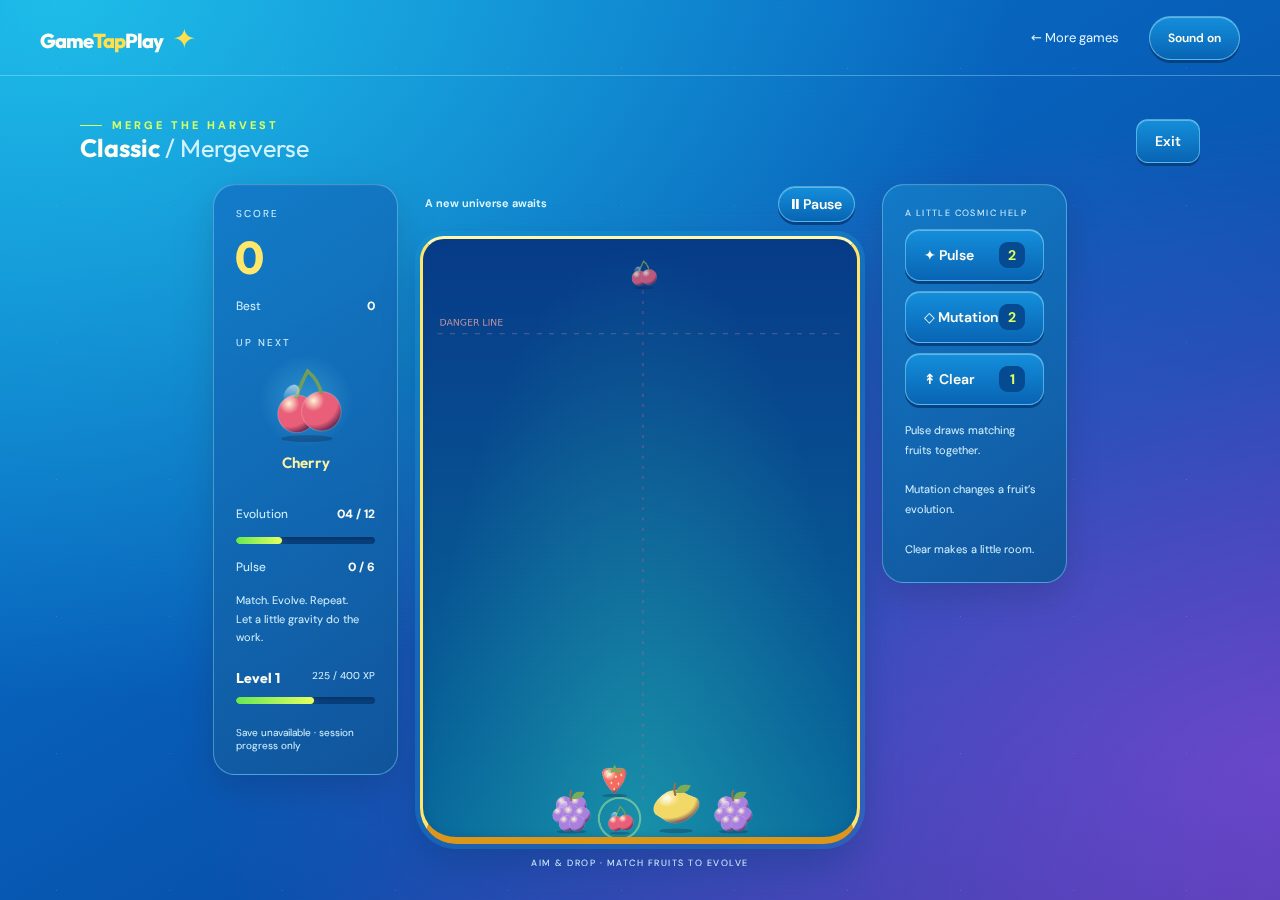
In Mergeverse, you drop fruit into a container. Matching fruit combine into larger fruit, changing the shape and height of the pile. You are reasoning about a physical space: which pieces can meet, which gaps remain usable and what the next drop might block. A good move can prepare a later merge without producing an immediate reward.
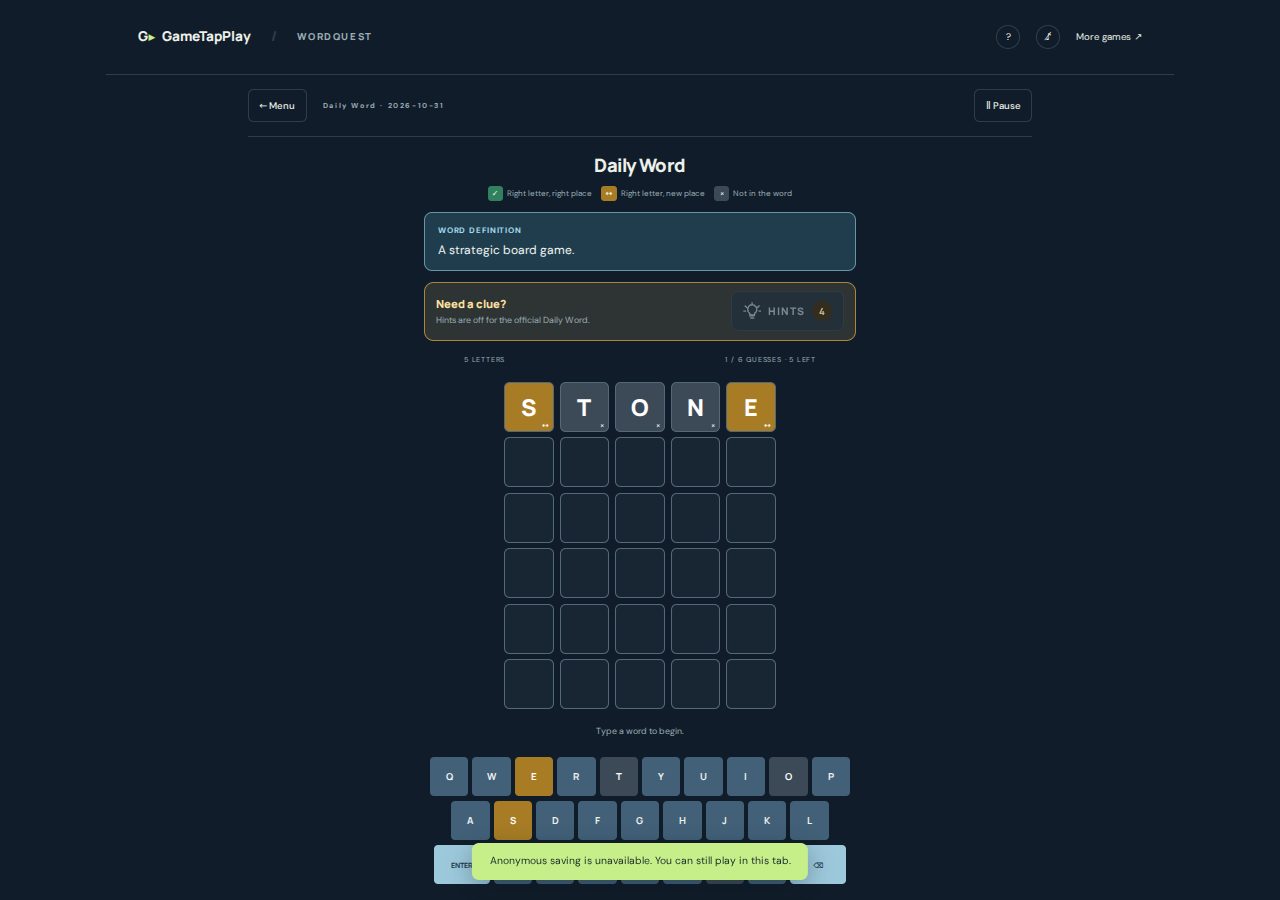
In WordQuest, a definition and letter feedback constrain a hidden word. A guess is useful when it fits what you already know or reveals information that separates plausible answers. The challenge is verbal deduction, rather than arranging pieces. If you enjoy explaining why an answer must fit, this is the more natural starting point.
Start Mergeverse by protecting room to move
Classic is a good place to learn how fruit settle. Before dropping, identify a matching pair you want to bring together and check whether another fruit blocks the path. Do not assume that aiming directly above a match guarantees contact: the pile can deflect a falling piece, and round fruit can roll after landing.
A practical first goal is to keep more than one usable drop area open. If every move depends on reaching a single narrow gap, a small bounce can undo the plan. Leave time for movement to settle and inspect the next-fruit preview before deciding. Height matters because an overflowing board ends the run, even when several promising matches remain below.
Harvest Journey’s 60 levels suit players who prefer defined objectives. The 90-second mode suits a different mood, where quicker decisions become part of the challenge. Read the Mergeverse strategy guide for the detailed mode rules and ability choices before spending resources to rescue a difficult position.
Start WordQuest with meaning, then test the pattern
Read the definition before entering a guess. Decide what kind of word it describes, check the required length and think of candidates that satisfy both. A familiar starting word is less helpful if it ignores a clue that is already available for free. Classic gives you time to compare possibilities without a countdown.
After submitting, review the whole result. Correct-position letters stay fixed; present letters need another position; absent feedback limits the letters still available. Repeated letters need particular care because one positive tile does not prove that both copies in your guess belong in the answer. Apply the feedback from every previous row, rather than treating each guess as a fresh start.
Daily offers a shared five-letter challenge without purchased hints. Blitz adds a clock, while Adventure gives a sequence of levels and star targets. For adults who prefer language puzzles to physics, our word-game mode guide compares the trade-offs without assuming that a harder mode is automatically more enjoyable.
Pick a useful practice goal
For Mergeverse, try one run in which you wait for every drop to settle before making the next decision. Judge the attempt by whether you preserved options, as well as by score. For WordQuest, try explaining each candidate against the definition and revealed letters before submitting it. A wrong guess can still be informative when you understand what it tested.
Switching between the games can also reveal what you actually want from a puzzle session. Fruit merging gives visible, physical consequences; word solving gives explicit logical feedback. Neither requires an app installation or an account. Both are easier to enjoy when you choose a mode that matches your available attention.
Before leaving a puzzle
Use the game’s pause control when available and check save-status messages before closing. Browser-associated progress does not imply a shared account across your phone and computer. If you only have a short window, set a stopping point in advance using the quick-break guide, rather than starting a long level sequence and hoping it ends on time.