Preparing your quest…
GAME FIELD NOTES / GAMETAPPLAY
WordQuest
Game overview
Use the definition above the grid and letter feedback to solve a hidden word. Exact matches turn green; yellow means a letter belongs elsewhere; grey can also mean an extra copy of a letter.
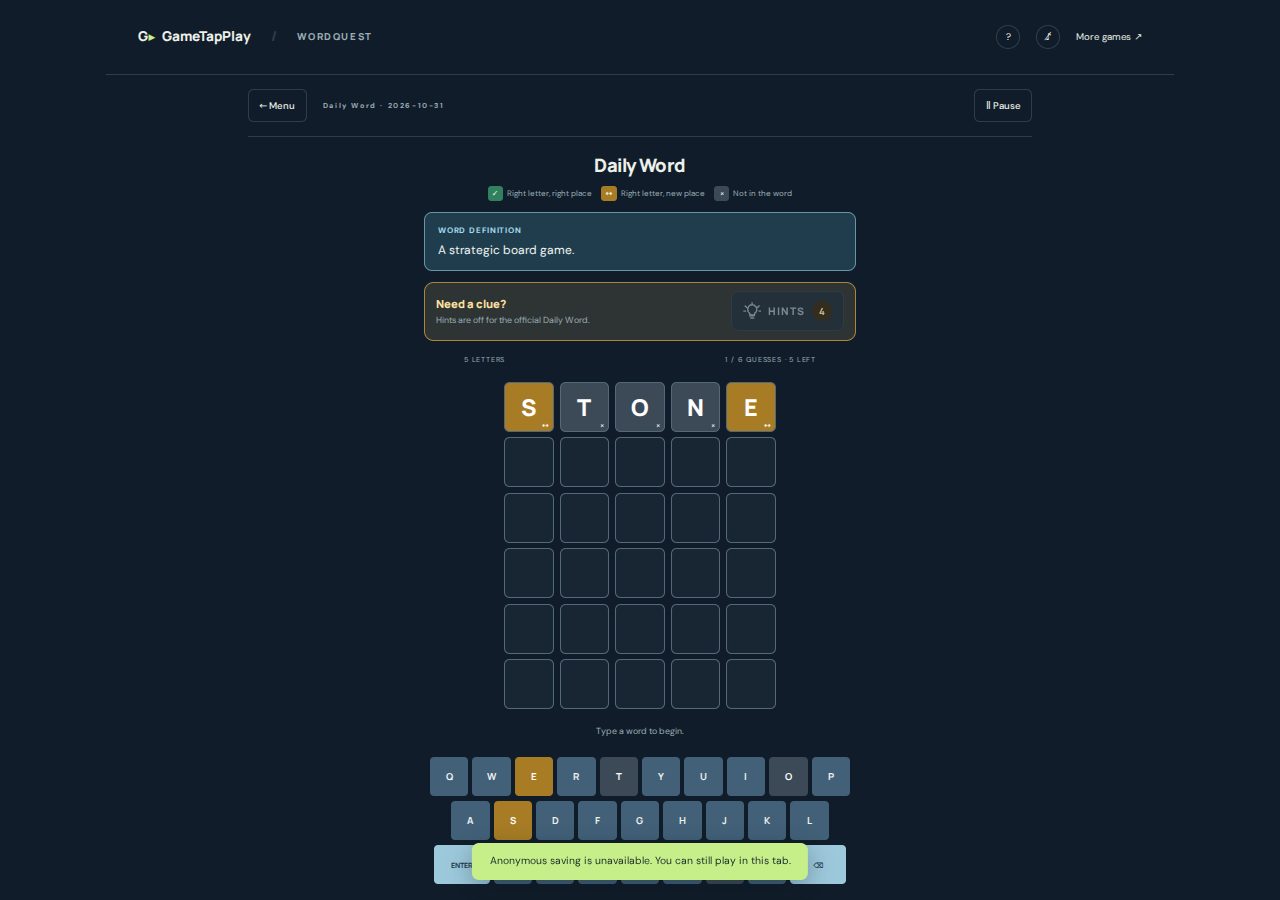
Six word puzzle modes
Classic offers four-to-seven-letter words with six guesses and no timer. Daily is a shared five-letter puzzle by local date, with no hints. Blitz lasts 60 seconds. Adventure has 36 levels across six worlds. Themed puzzles give a category; Expert allows five guesses for six or seven letters.
Controls
Type or tap the on-screen keys. Enter submits; Backspace removes a letter. Escape pauses a puzzle.
Your first attempt
Read the free definition before guessing. Invalid and repeated guesses cost no attempt. When a letter occurs twice in your guess, check both tiles: the answer may contain only one copy. Hint tokens are optional, and Daily disables them.
Inside the game
The collection keeps solved words with definitions and facts. Adventure rewards fewer guesses with more stars, giving earlier levels a reason to revisit. Each two total Adventure stars opens the next level; a new best star rating earns a hint token. Every 250 XP advances your player level. Daily wins earn two tokens, with a bonus on every seventh consecutive daily win.
What is saved?
An anonymous browser save keeps progress, Daily guesses and the active puzzle. Different browsers have independent saves. Keep the tab open if the save status reports an error.
Five practical strategies
- Use the definition as your starting constraint. Identify whether it describes an action, object or quality, then compare possible answers with the displayed word length.
- Carry all rows forward. Before submitting a candidate, check it against every confirmed position and misplaced letter, including clues from guesses made several turns earlier.
- Count repeated letters carefully. One yellow or green copy does not confirm a second copy; exact matches are allocated before the remaining letter counts determine feedback.
- Practise longer words in Classic before Expert. Classic gives six attempts without a timer, while Expert reduces the allowance to five for six- or seven-letter answers.
- Protect your Blitz chain with a quick final check. Correct consecutive answers earn bonuses, and a failed puzzle resets the chain; avoid letting a typing error undo a sound deduction.
Frequently asked questions
Is the definition a paid hint?
No. It appears above the grid for free in every mode.
Do invalid guesses cost an attempt?
No. Invalid and repeated guesses do not consume attempts.
Is Daily based on UTC?
No. WordQuest uses your local calendar date, unlike Mergeverse's UTC challenge.
How many guesses does Expert allow?
Five, for a six- or seven-letter answer.
Read the full WordQuest strategy guide for detailed techniques and common mistakes.